
Smart Light Switches Australia: Your Complete Guide
Want to make your lights smart, but quite like the switches you already have?
Good news… you don’t necessarily need to replace them. You don’t need to replace your lights either.
Or perhaps you are looking for a more stylish switch option as well as smart control. No problem, we have it covered.
There are two main ways to add smart control to your existing lighting. You can have a small smart module installed behind your switches, or replace the switches with ones that have the smart electronics built in.
Both can give you app control, automations and voice control through a compatible system. Both can also retain the simple pleasure of walking into a room and “flicking a switch” to turn the lights on.
The difference is what changes on your wall, what fits behind it and how you want everything to work. Let’s take a look.
A quick word about safety
Choosing the switches, naming your lights and getting carried away with automations? That’s your department.
Installing modules behind switches, replacing wired switches or changing fixed wiring? That’s a job for a licensed electrician. It’s not a suggestion, it’s the law! Even when the device is tiny and the installation looks straightforward… NEVER do your own electrical work.
Two ways to make your light switches smart
The easiest way to understand the difference is to look at where the “smarts” live… Behind your wall switch (keeping your current switch) or inside a completely new wall switch (replacing your existing wall switch). Let’s take a closer look at both options…
Keep your existing switches: add a smart module
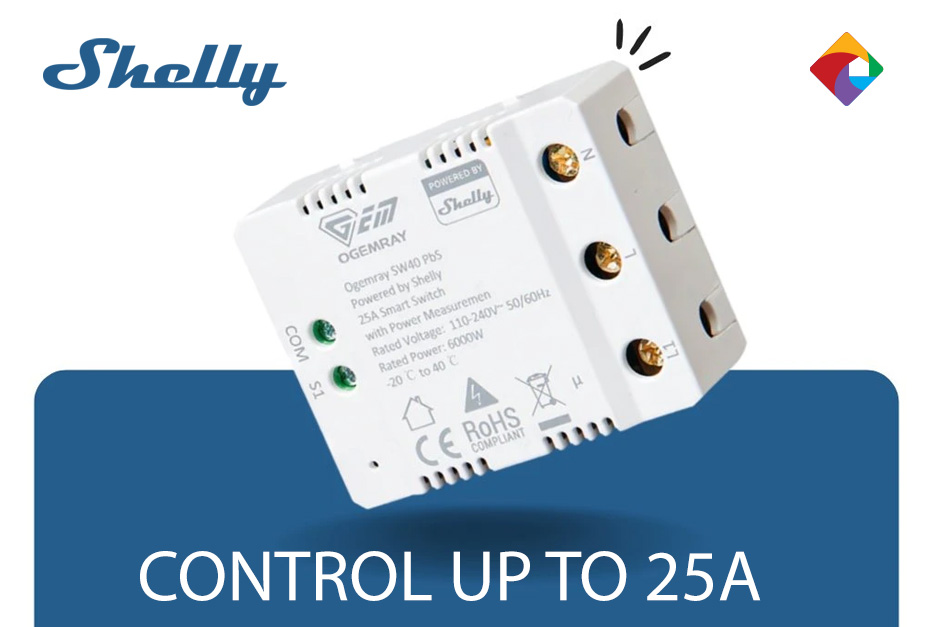
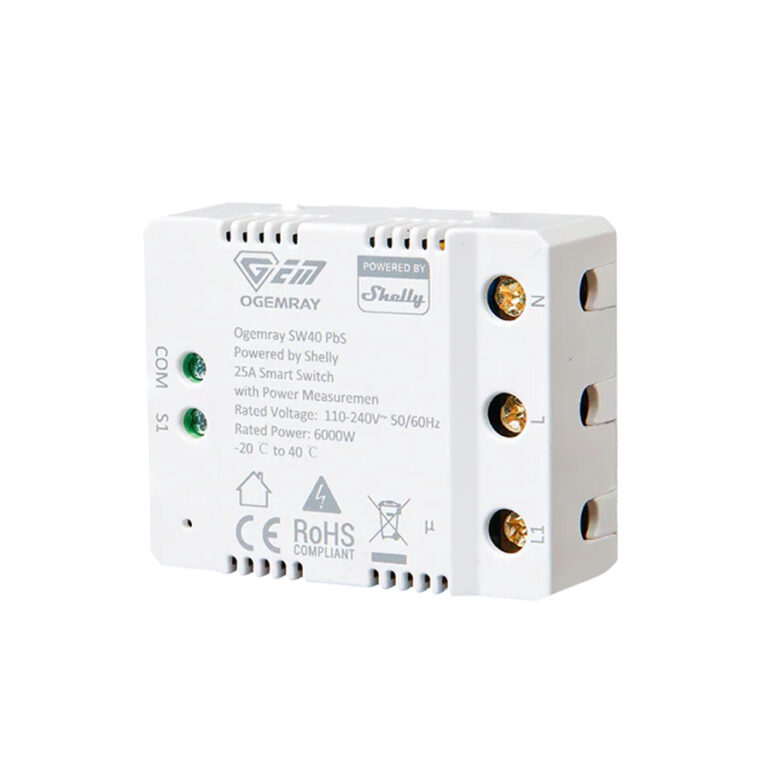
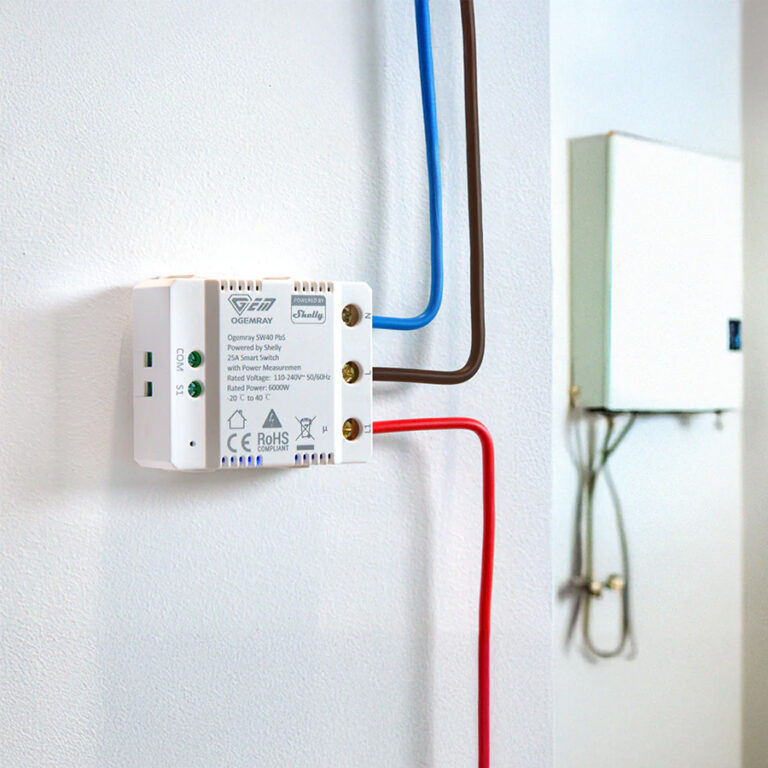
A smart module is a small electronic device that controls the connected lighting. A relay module switches it on and off; a dimmer module can also adjust brightness when paired with suitable lights.
Your electrician installs the module behind the existing switch where the wiring and space allow. The switch connects to the module, so you keep manual control while adding smart control.
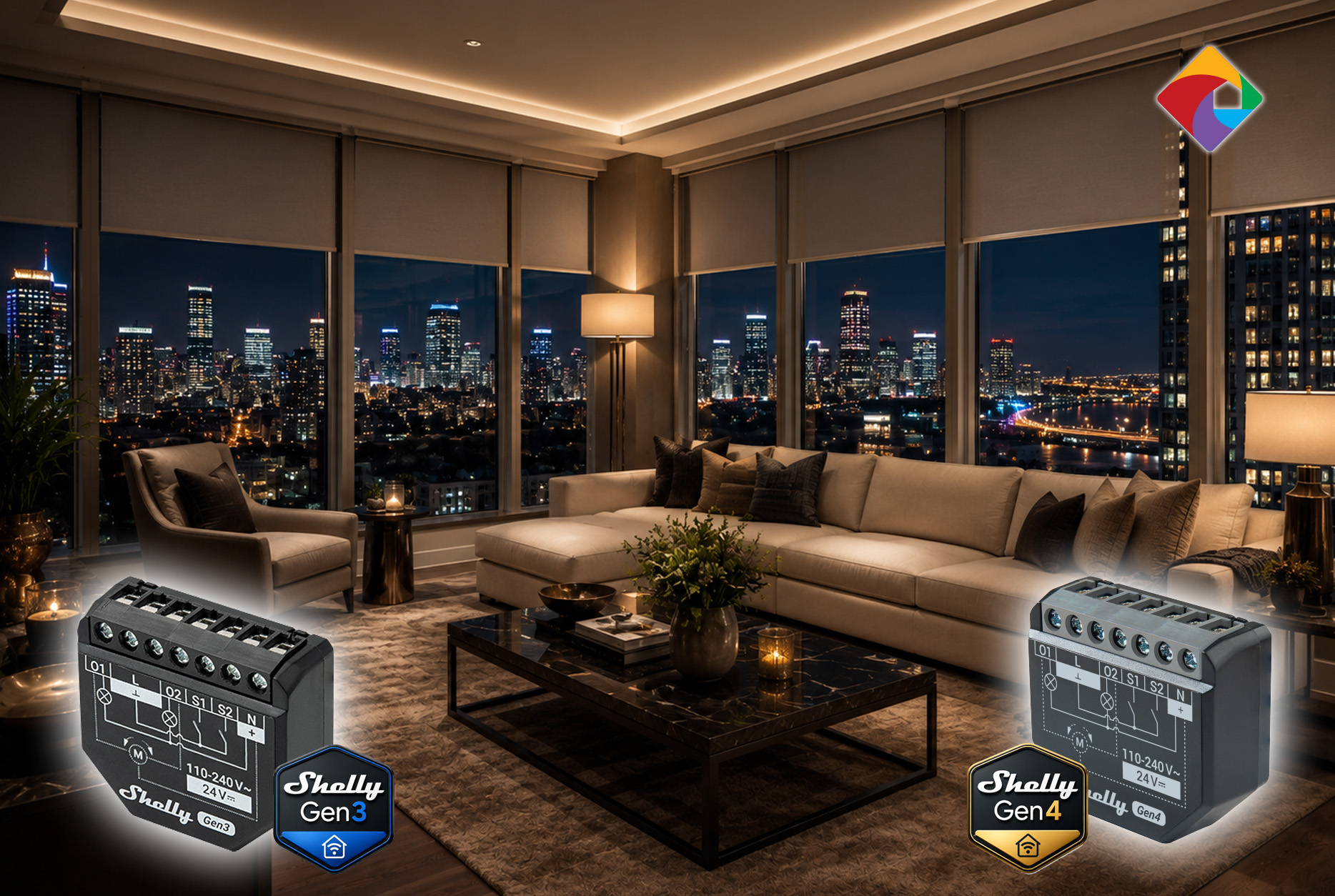
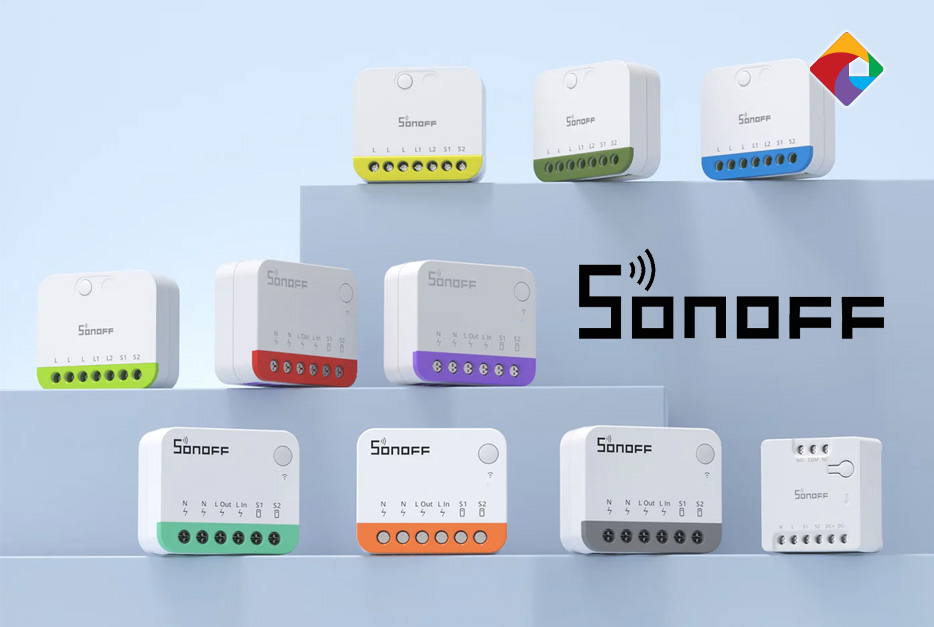
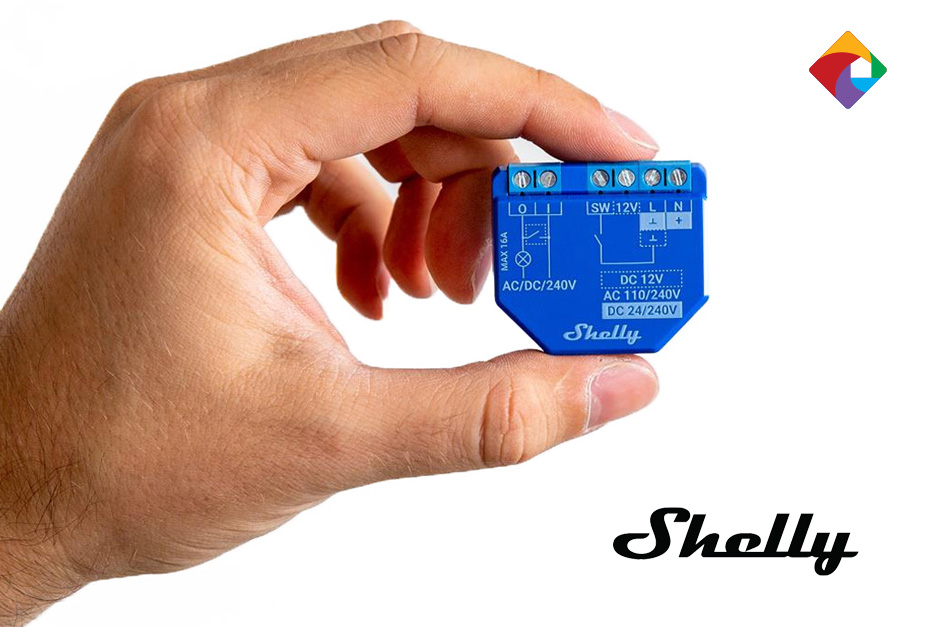
For example, the Shelly 1 Mini Gen4 is a compact on/off relay. The Sonoff MINI-ZB2GS provides two independently controlled channels in one module.
From your perspective, the result can look exactly as it did before. Your existing wall plate stays, your switches stay, you can control your lights manually exactly the same as before… but your lights gain a few new smart tricks!
With a suitable installation and configuration, you can turn a light off at the wall and turn it back on through your smart home system. Operating the wall switch tells the module what to do; it doesn’t simply disconnect power from the module itself.
This approach makes particular sense when you already have matching switches throughout the house and would rather keep them.
There are a few practical checks, though. The module needs enough room, the switch mechanism must be compatible, and the lighting load must suit the device. “Small” doesn’t guarantee it will fit behind every wall plate (i.e. brick walls may have issues!).
Replace your switches: put the smarts in the wall switch
The other option is to replace the wall switch assembly with a smart version. The controls and smart electronics come together in the new unit.
The Zemismart Smart Label Switch is a good example. It has physical push-buttons and customisable LCD labels, so each button can identify the lighting it controls.
Think “Kitchen”, “Island” and “Dining”. Much easier than pressing three switches to remember which one you wanted.
The switches come in horizontal and vertical versions with one to four gangs. Their proximity sensing illuminates the labels as you approach. These models require a neutral wire and a compatible Zigbee hub or coordinator for smart control.
If you want brightness control, choose the separate Zemismart Smart Label Dimmer. It comes in one-, two- and three-gang versions: a press switches the connected lighting on or off, while a press-and-hold adjusts brightness. Compatible dimmable lighting is required.
The main attraction here is that you can change both the capability and the appearance of your switches.
Zemismart Zigbee Smart Label Switch – Horizontal (1, 2, 3 or 4 Gang)
The Zemismart Zigbee Horizontal Smart Label Switch combines physical push-button control with customisable on-screen labels for a clean, modern smart home solution. Available in 1, 2, 3 or 4 gang switch versions, each button can be clearly named to identify the circuit it controls, while Zigbee connectivity enables app control, automation, scheduling and voice control through compatible smart home systems. The built-in proximity sensor means the custom LCD switch labels only illuminate when the switch is approached.
This bundle allows you to mix and match any quantity of 1, 2, 3 and 4 gang switches to suit your requirements.
Zemismart Zigbee Smart Label Switch – Vertical (1, 2, 3 or 4 Gang)
The Zemismart Zigbee Vertical Smart Label Switch combines physical push-button control with customisable on-screen labels for a clean, modern smart home solution. Available in 1, 2, 3 or 4 gang switch versions, each button can be clearly named to identify the circuit it controls, while Zigbee connectivity enables app control, automation, scheduling and voice control through compatible smart home systems. The built-in proximity sensor means the custom LCD switch labels only illuminate when the switch is approached.
This bundle allows you to mix and match any quantity of 1, 2, 3 and 4 gang switches to suit your requirements.
Zemismart Zigbee Smart Label Dimmer – Horizontal (1, 2, or 3 Gang)
The Zemismart Zigbee Smart Screen Dimmer combines physical push-button control with customisable on-screen labels for a clean, modern smart lighting solution. Available in 1, 2 or 3 gang versions, each lighting circuit can be clearly named for easy identification. A single press turns the light on or off, while pressing and holding adjusts brightness from 1% to 100%. Zigbee connectivity enables app control, automation, scheduling and voice control through compatible smart home systems. The built-in radar proximity sensor automatically illuminates the display when someone approaches. A compatible Zigbee hub is required.
This bundle allows you to mix and match any quantity of 1, 2 and 3 gang dimmer switches to suit your requirements.
Zemismart Zigbee Smart Label Dimmer – Vertical (1, 2, or 3 Gang)
The Zemismart Zigbee Vertical Smart Screen Dimmer combines physical push-button control with customisable on-screen labels for a clean, modern smart lighting solution. Available in 1, 2 or 3 gang versions, each lighting circuit can be clearly named for easy identification. A single press turns the light on or off, while pressing and holding adjusts brightness from 1% to 100%. Zigbee connectivity enables app control, automation, scheduling and voice control through compatible smart home systems. The built-in radar proximity sensor automatically illuminates the display when someone approaches. A compatible Zigbee hub is required.
This bundle allows you to mix and match any quantity of 1, 2 and 3 gang vertical dimmer switches to suit your requirements.
Out with the old…
In with the new…
How do the two approaches compare?
|
Consideration |
Smart Modules |
Smart Switches |
|---|---|---|
|
What happens to the existing switch? |
Your existing switch stays. |
Your existing switch is replaced. |
|
What you see |
Your familiar switches and wall plates. |
A completely new switch design. |
|
Where the "smarts" live |
In a separate module behind the switch or another suitable installation location. |
Built-in to the new switch assembly. |
|
What about dimming?* |
You will need to install a "momentary bell press" switch mech. |
Dimming from the switch is built-in |
|
Ease of installation |
More complex as each switch needs to be wired to a smart module. |
Simple as the switch simply connects to each lighting load. |
|
Main reason to choose |
Keep the appearance and controls you already like. |
Modernise and update the appearance and functionality of your switches. |
*Requires a dimming module or smart switch variant
Which approach makes sense for your home?
Start with what you want to keep.
If your switches are in good condition, match the rest of the house and are easy to use, modules deserve a close look. You can add smart control without changing the room’s appearance.
If you’re renovating, dislike the existing switches or want clearer controls for several lighting groups, replacement switches are worth considering.
Picture a kitchen with downlights, island pendants and dining lights. Modules could make those three groups smart while retaining the existing wall plate. A suitable replacement switch could provide smart control and labelled buttons in the same location.
Neither approach automatically gives you better automations. Those depend on the device features and the system managing them.
You can also mix the two. Keep familiar switches in the bedrooms and use labelled replacement switches in the kitchen, provided each device works with your chosen platform.
For the brand decision within the module range, our Sonoff vs Shelly comparison goes into more detail.
For smart switches, it is very hard to go past the Zemismart range… they are awesome!
What needs checking before you buy?
A smart switch or module can look perfect online and still be wrong for the job. These are the details to work through first.
Is there a neutral wire at the switch?
Some Australian homes don’t have a neutral conductor at the wall switch position. Many smart devices need one to power their electronics.
Your electrician can confirm what’s available. The age of the house or the appearance of the switch won’t give you a reliable answer.
No neutral doesn’t necessarily end the project. The Sonoff ZBMINIL2 is one example of a no-neutral module for on/off lighting control. It still needs a suitable lighting load and professional installation.
The Shelly Dimmer Gen4 can also work without a neutral wire at the switch.
The Zemismart smart switches must have a neutral wire at the switch to work.
No-neutral products have their own limitations, so check the exact model rather than assuming they behave like their neutral-powered counterparts.
Do you want switching or dimming?
An on/off relay won’t make a light dimmable.
For brightness control, you need a suitable dimmer and compatible dimmable lamps or LED drivers. The Sonoff MINI-ZBDIM is an example of a Zigbee dimmer module that retains wall-switch control and requires a neutral connection.
Your electrician should check the lighting type, minimum and maximum load requirements, and dimming compatibility. A headline wattage rating alone doesn’t tell the whole story, particularly with LED drivers.
If you already have a rotary dimmer, don’t assume a smart module can simply be added behind it. The existing dimmer mechanism will need to be removed to allow for smart dimming. You can still dim from the switch with a momentary push button switch mechanism or using the Zemismart Dimmer switches.
How many lighting groups do you need to control?
“Gang” describes the number of controls on the wall plate. A three-gang switch has three.
That doesn’t necessarily mean three globes. One switch might control six downlights together, while another controls a single pendant.
Count the groups you want to control independently. A smart switch or module won’t separate lights that are currently wired to operate together without further electrical changes.
Is the light controlled from more than one place?
Hallways and stairs often have two-way switching, allowing the same light to be controlled from either end.
Tell your electrician about every switch controlling that light. Compatibility depends on the device, existing wiring and supported switch configuration.
A wired two-way arrangement and a wireless button triggering an automation are different solutions. Both may be useful, but their behaviour when the hub is unavailable can differ.
Will everything fit?
Modules need room for the device and the wiring. Replacement switches need suitable mounting dimensions and depth, and should cover the existing opening neatly.
Your electrician should also confirm the exact product is suitable and compliant for installation in Australia. Matching the voltage is only one part of that check.
If you’re building or renovating, this is a good time to plan neutral wiring and suitable switch locations. Our guide to building a new smart home covers the preparations worth discussing before the walls are finished.
Will the lights still work if the internet goes down?
They should still be usable from the wall when the device is installed and configured for direct manual control. But it helps to separate three different situations.
The internet connection drops out. Manual wall control will continue, and local automations may continue too. Cloud-dependent functions, including some voice and remote-control services, may be unavailable.
The router or smart home hub stops working. Manual wall control will remain available, but commands and automations that depend on that equipment may stop.
The power goes out. I’m not even going to answer this one 😉
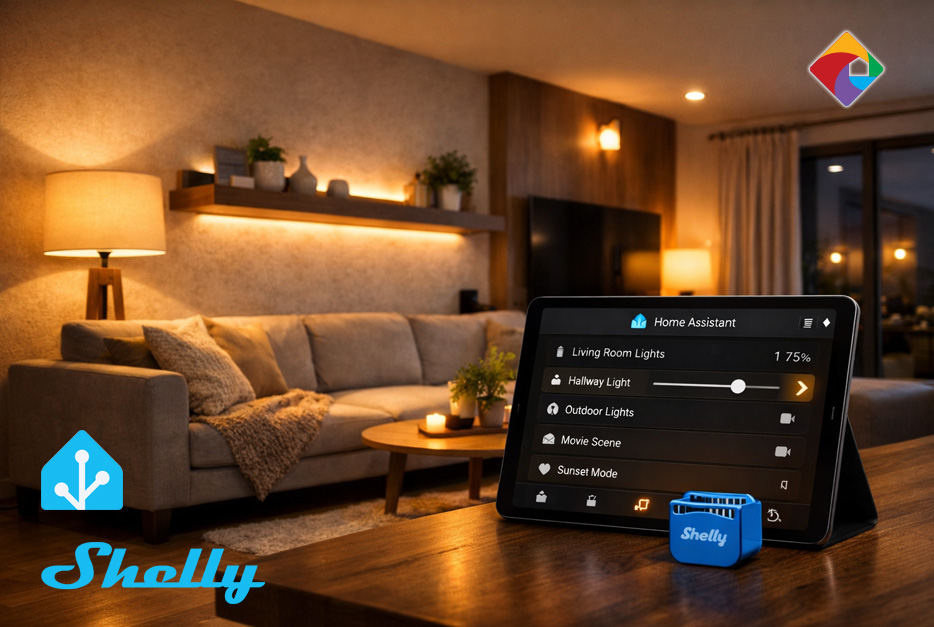
Wi-Fi itself doesn’t mean a product needs the cloud. Shelly, for example, documents local web control without internet access.
And Sonoff and Zemismart switches use Zigbee… completely removed from the Wi-Fi network.
So in short, provided your home has power, your manual wall switches will always work… even if internet or Wi-Fi drops out.
What about smart bulbs?
Smart bulbs put the electronics in the globe itself. They can be a great choice when you want features such as colour or adjustable white light.
The catch is that they need power to receive commands. Turn off their electricity at an ordinary wall switch and they disappear from your smart home until power is restored. Not ideal!
Also, smart dimmers should not be used in conjunction with smart bulbs – this will not work!
For ordinary lighting, a smart module or replacement smart switch is a far better option. For supplemental lighting in lamps etc, smart bulbs can be a great option.
What will the upgrade cost?
Good sparkies are in demand, and they don’t work for pocket change (even if our mate pictured here seems to be dropping plenty). A little planning goes a long way: choose the right products, work out which lights you want to control and chat with your electrician. Paying for one well-planned visit beats paying for an encore.
Compare the complete job, including:
- The modules or replacement switches.
- The number of independently controlled lighting groups.
- A hub or coordinator, if required.
- Installation and any wiring or mounting changes.
- Any necessary changes to incompatible lights or switch mechanisms.
A smart module can be an economical way to retain existing switches, but it isn’t automatically the cheaper installed option. A multi-channel replacement smart switch may compare well against several separate modules – especially from an installation cost point-of-view.
Get your electrician to quote against the same requirements for both approaches. Comparing an installed solution with the price of a device in a box won’t tell you much.
We are here to help...
There are a lot of options when it comes to smart lighting control (believe me, we have seen them all). We know what works… and what doesn’t! There is no one-size-fits-all solution… so please, feel free to reach out if you would like some unbiased, free expert advice – we are always happy to help.