
Shelly

Shelly smart on/off control up to 25A

Shelly smart control of up to 25A

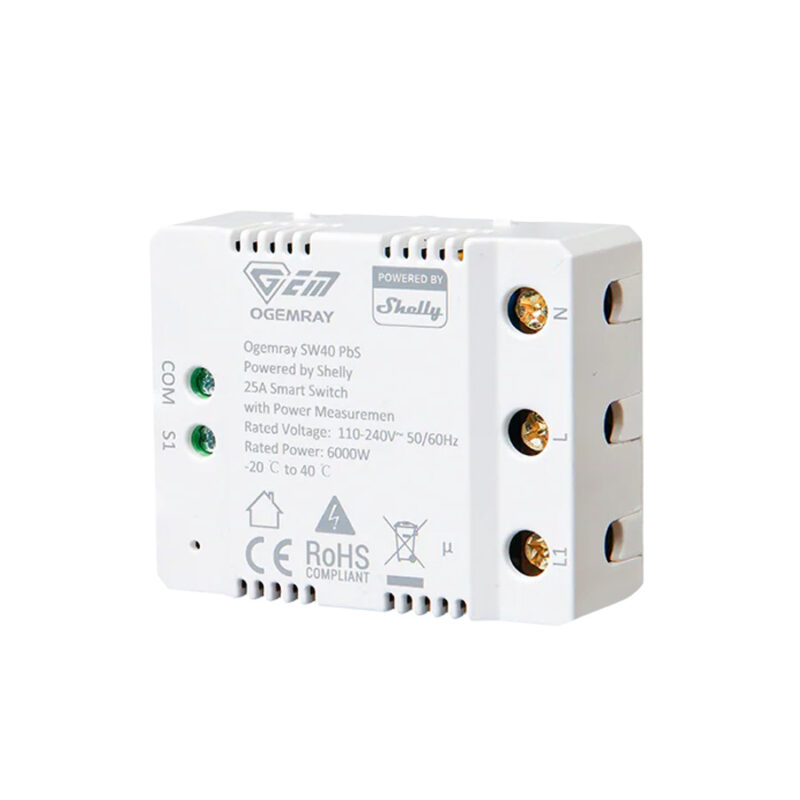
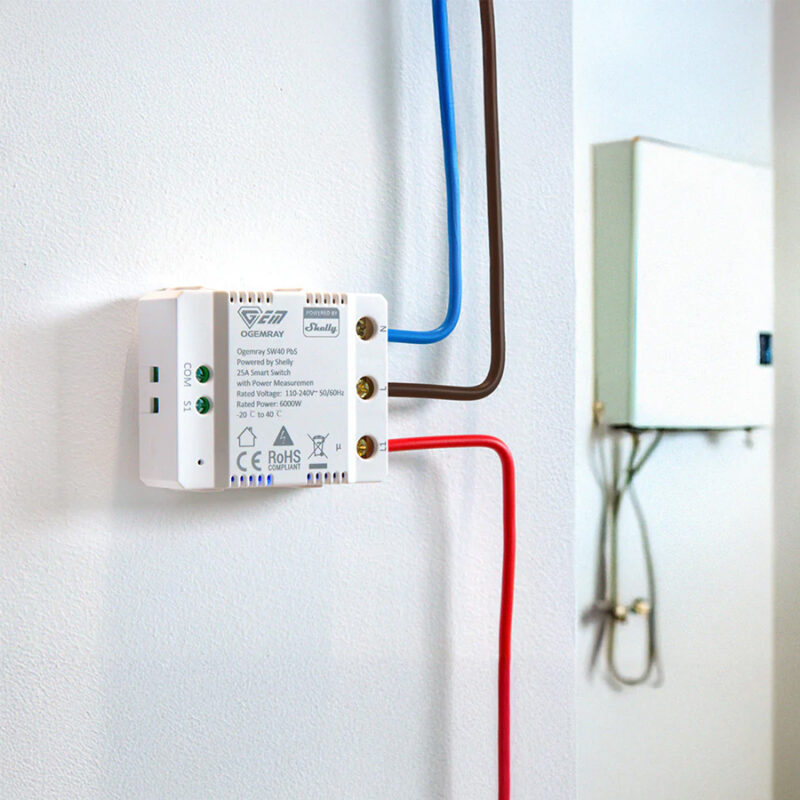
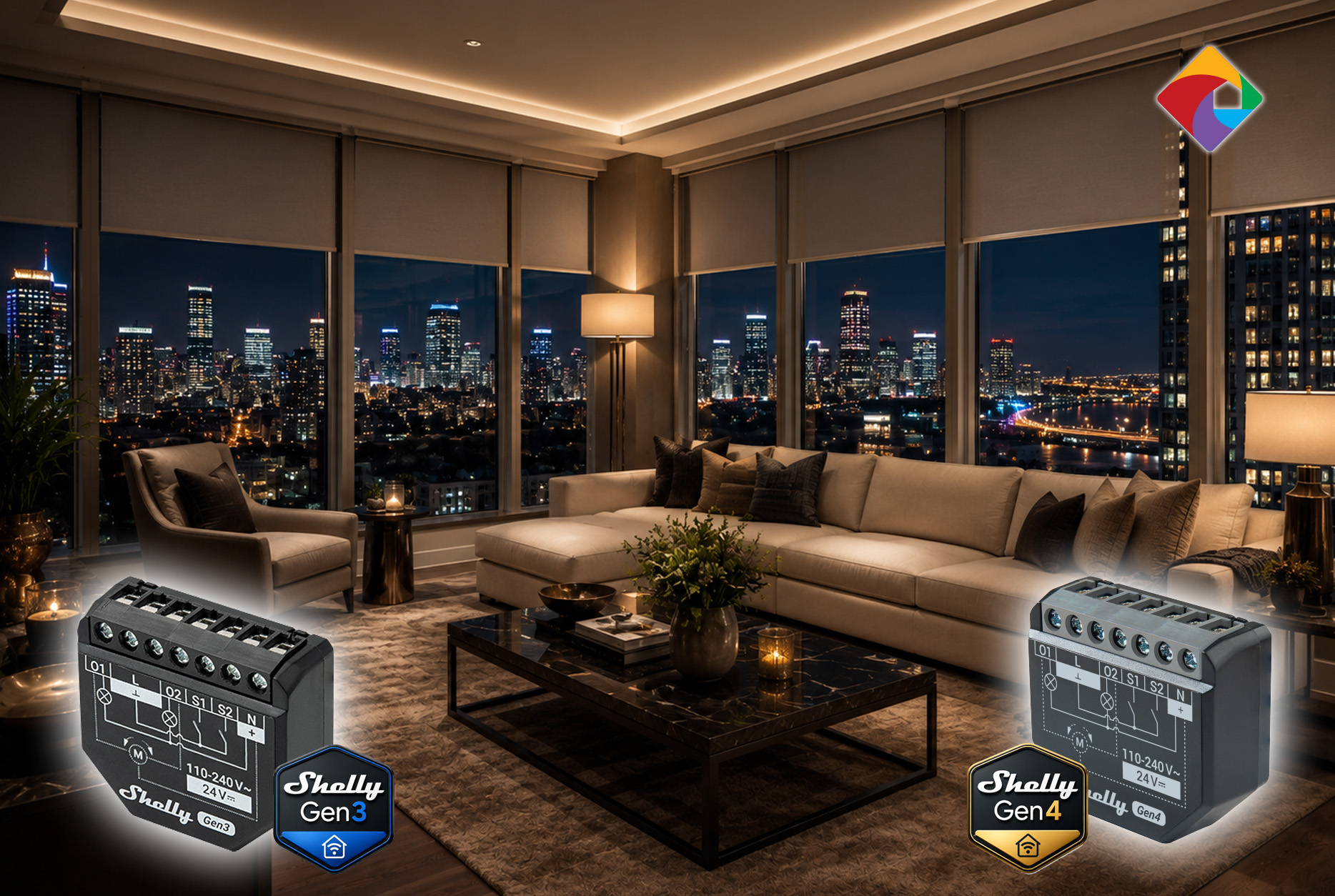
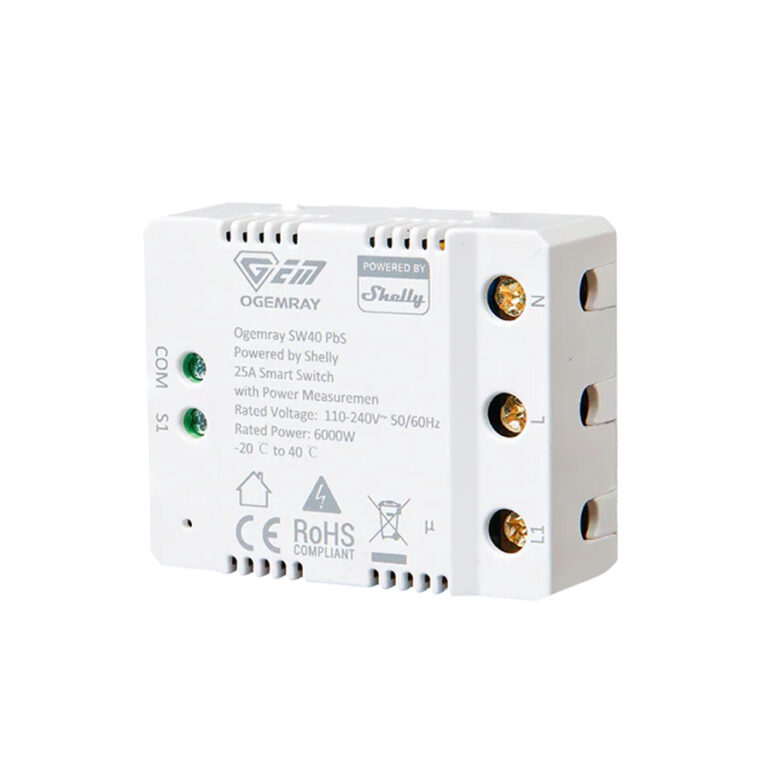
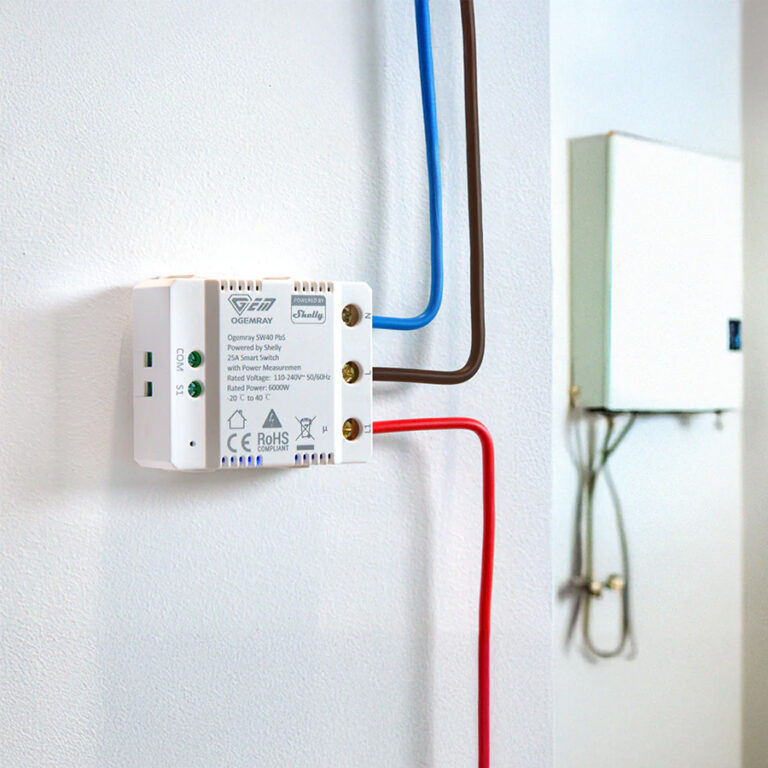
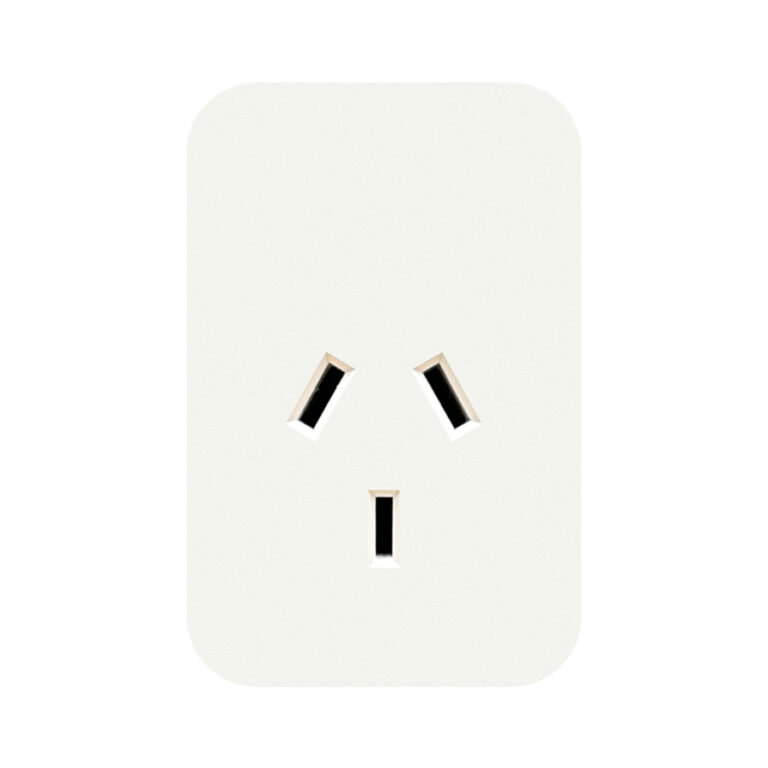
Ogemray 25A (Powered by Shelly)

The smart relay for hot water, pool pumps and other heavy loads.

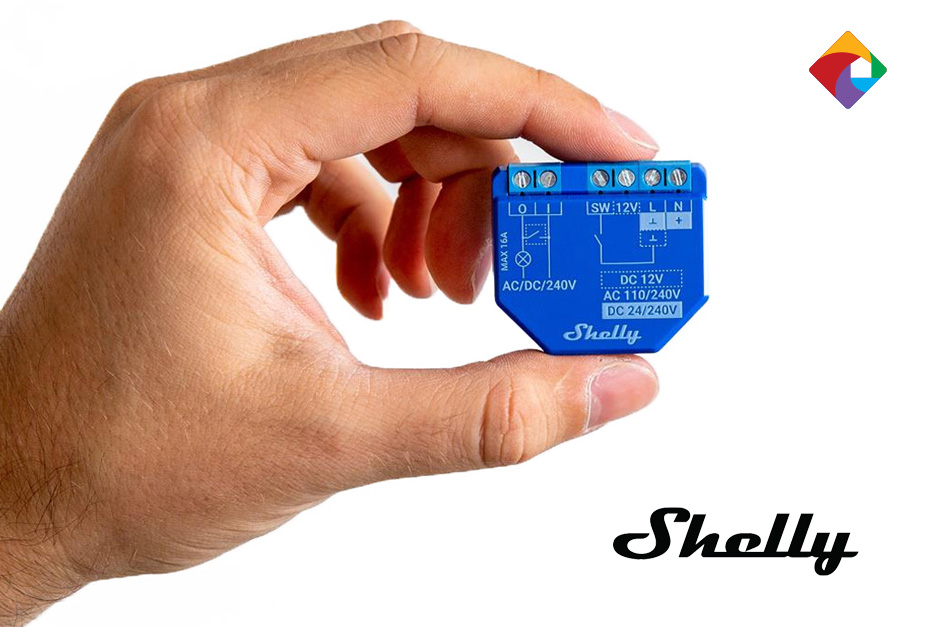
If you are wanting smart control and monitoring of high-current devices—electric hot water services, pool pumps, heat strips.  If it’s big, if it uses a lot of power, the Ogemray 25A (Powered by Shelly) was made for it!

Why 25A matters

Where many classic Shelly relays are rated at 16A… that 16A is a maximum/peak figure – not a comfortable sustained current for hours of continuous duty. Sitting at or near 16A long-term drives heat and shortens lifespan. Ogemray is different, it gives you the 25A headroom high-draw electrical devices need.

  • Continuous headroom: Up to 25A (~6000 Watts) means less thermal stress and better reliability for long runtimes.
  • Built-in metering: Track power/energy, spot faults (e.g., a failing element), and prove savings.
  • Safety features: Over-power/over-voltage protections and auto-recovery help protect the circuit and device.
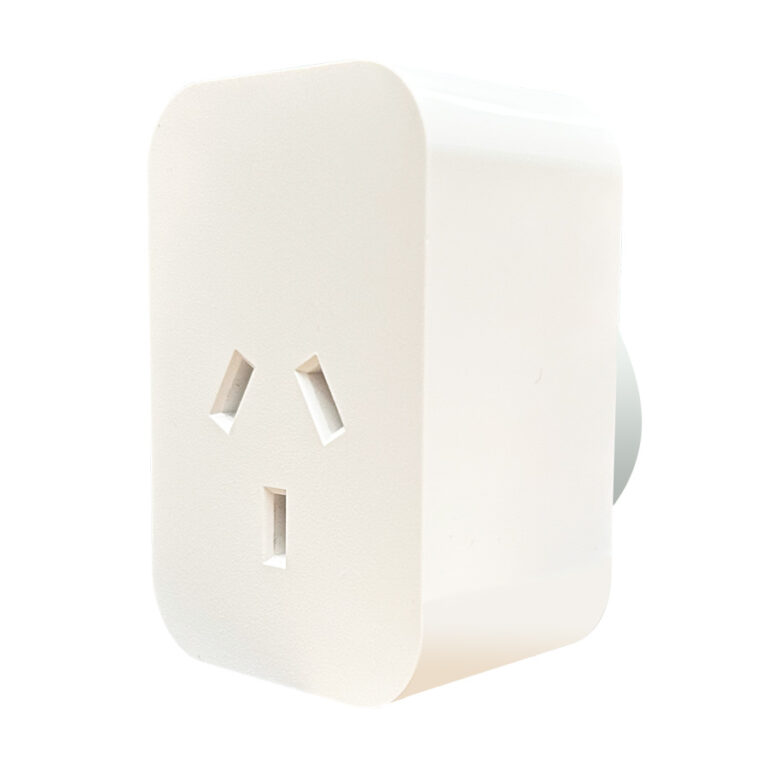
  • Ecosystem & local control: Wi-Fi/BLE, MQTT/webhooks, schedules and scripting - works locally or via the Shelly app/cloud.

Perfect use cases

The Ogemray 25A relay is the go-to solution when you need smart control + energy monitoring for large single-phase appliances. Think EV chargers, hot water, heavy HVAC, or pumps—all with the intelligence and flexibility of the Shelly ecosystem.

  • Electric hot water services: Schedule to off-peak, excess solar production, verify consumption and alert on anomalies.
  • Pool pumps: Handle inrush, run in tariff-friendly blocks and optimise with metering.
  • Electric Vehicle (EV) Chargers: Control and monitor wall-mounted EV chargers (Level 2 single-phase up to ~5.7kW at 230V).
  • Other high-current appliances: Anything within 25A where you want reliable switching and insights.

Real-World examples...

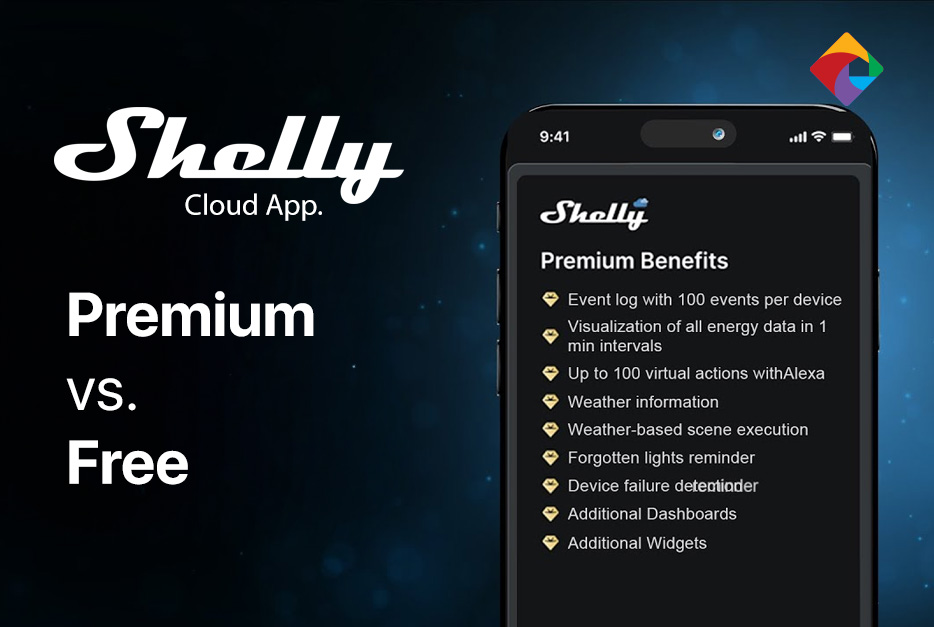
Below are a few real-world examples of how you can put the Ogemray 25A relay to work for you using the free Shelly app…

Off-peak hot water schedule

What it does: Heats only during cheap tariff windows.

How: Via a Scene in the Shelly app…

  • WHEN: Time is between your off-peak hours (e.g., 11:00 pm–6:00 am).
  • START: Ogemray (connected to hot water heater) → Turn ON at start time.
  • STOP: Separate Scene at end time → Turn OFF (or set device Auto-off for a hard limit).

Solar-surplus heating

What it does: Uses excess solar production (being monitored by Shelly EM device) instead of grid power.

How: Via a Scene in the Shelly app…

  • WHEN: Energy Meter Total Active Power < –800 W (exporting ≥ 800 W) AND valid for 5 minutes.
  • START: Ogemray (connected to heater) → Turn ON at start time.
  • STOP: Second Scene → WHEN: 3EM power > –200 W AND valid for 5 min → Turn OFF.
Tip: Tune the thresholds to suit your array/inverter and tariff.

Pool pump duty blocks

What it does: Splits runtime into 2–3 cheap tarriff blocks to hit a daily target.

How: Via a Scene in the Shelly app…

  • Block A: WHEN: 9:30–11:30 → DO: ON; Stop: OFF at 11:30.
  • Block B: WHEN: 1:30–3:00 → DO: ON; Stop: OFF at 3:00.
  • Block C (optional): Night block for shoulder rates.
Tip: Duplicate scenes to tweak quickly.

Taking it to the next level

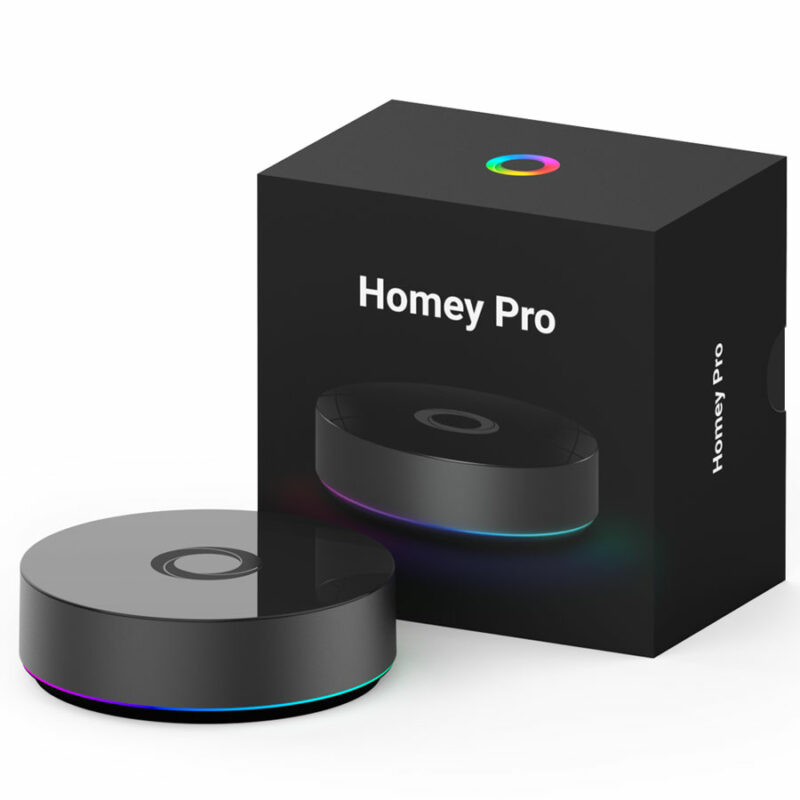
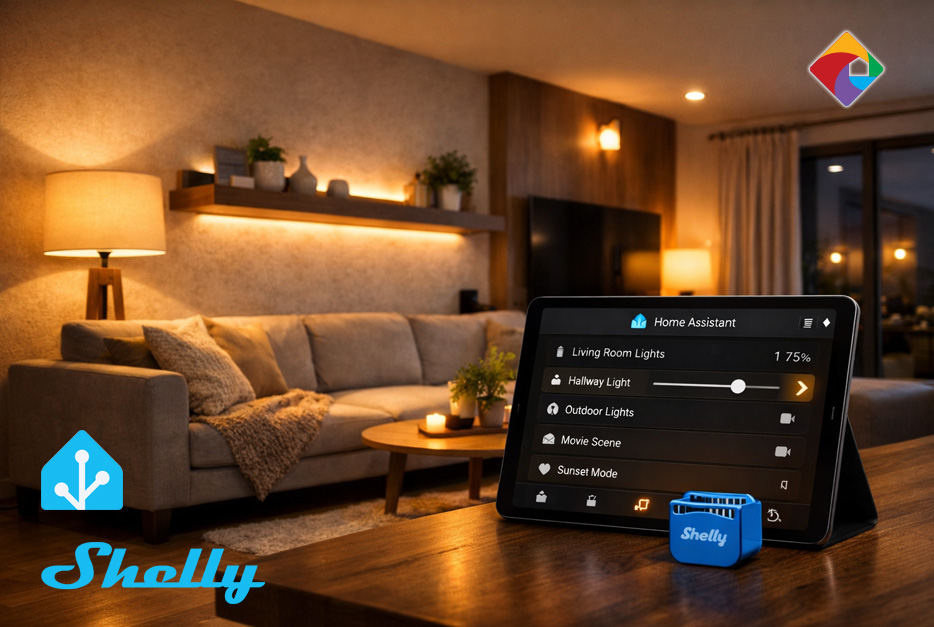
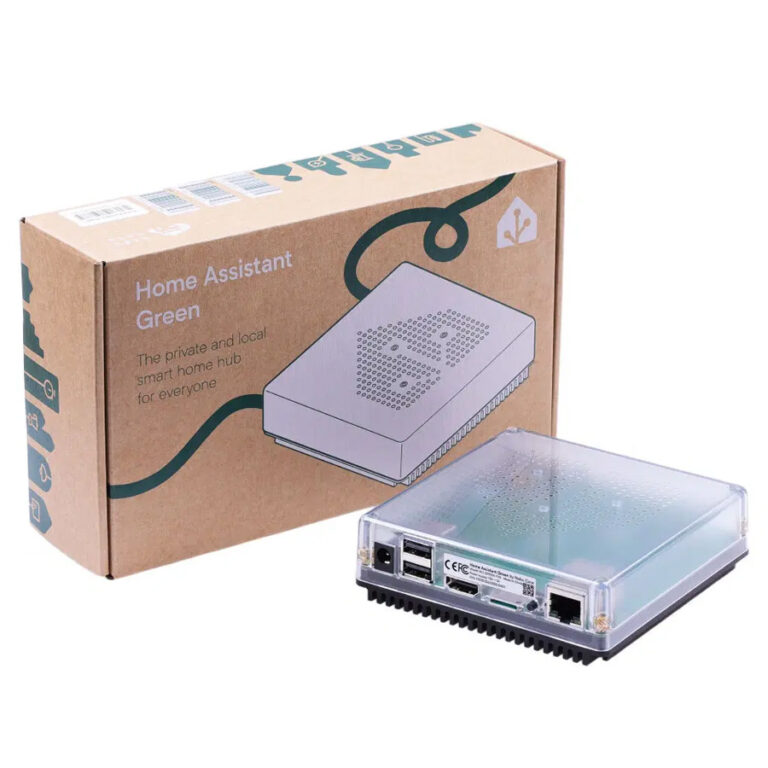
You can take the Ogemray 25A even further by pairing it with Home Assistant or Homey Pro.

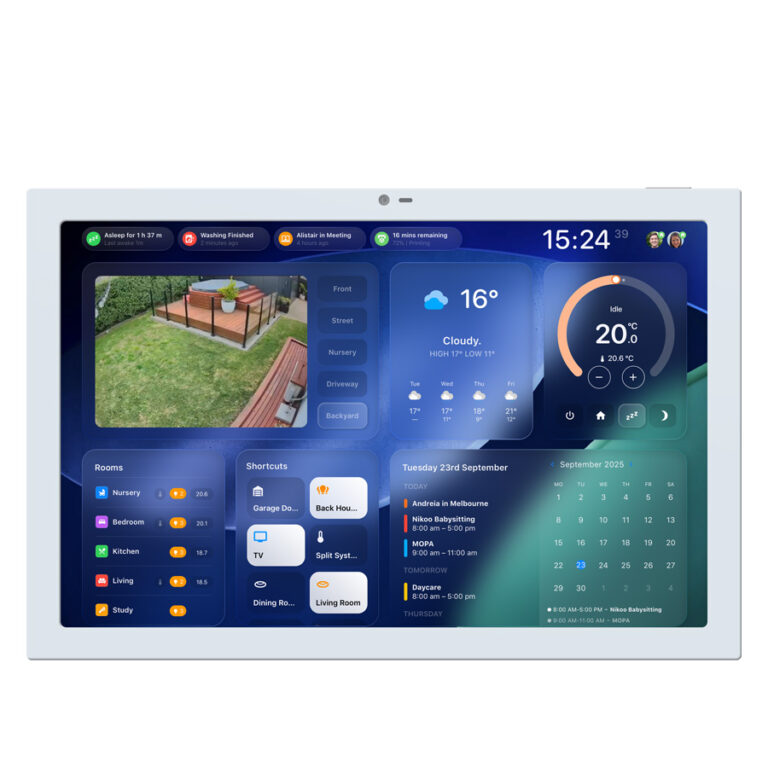
In Home Assistant, add it via the native Shelly integration (or MQTT Discovery) and you’ll get a switch plus live power/energy sensors for dashboards, automations and energy reports; combine it with a Shelly EM Gen3 (or other Shelly energy metering device) to run solar-aware automations (e.g., “if export ≥1.2 kW for 8 min, turn heater ON; if <0.3 kW for 8 min, turn OFF”), add fail-safes (auto-off after 3 h), and alerts on abnormal draw.

In Homey Pro, install the Shelly app and build Flows (“When… And… Then…”) that mirror the same logic—use EM power as the trigger, add temperature or tariff windows as conditions and switch the Ogemray as the action. Either platform gives you rich local control, reliable automations and historical insights that the basic app alone can’t match.

Leave a Reply

Your email address will not be published. Required fields are marked *

one × 2 =